
By Abdi • March 7, 2026
If you’re a side hustler, you don’t have time to fight with complicated software. You just want a simple way to collect emails, send valuable messages, and make some income from your ideas.
That’s exactly where Systeme.io can help. It combines funnels, email marketing, and automation in one place so you don’t need five different tools to do one job.
In this guide, I’ll walk you step‑by‑step through How to Use Systeme.io for Email Marketing as a Beginner in 2026, even if you’re starting from zero. By the end, you’ll know how to set up your account, build your first list, create an email sequence, and connect everything to a simple funnel.

Why Systeme.io Makes Sense for Side Hustlers
Before I switched to Systeme.io, my setup looked like this:
- One tool for landing pages
- Another for email
- Another for automation
- And a different platform to sell digital products
It felt like I was running a small software company instead of a side hustle.
Systeme.io solves this by putting everything under one login. You get:
- Email marketing (broadcasts + automated campaigns)
- Sales funnels and landing pages
- Simple automation rules and visual workflows
- Course and membership hosting
- Affiliate program tools, if you want others to promote you later
All plans include unlimited emailing, even on the free tier, which is rare.
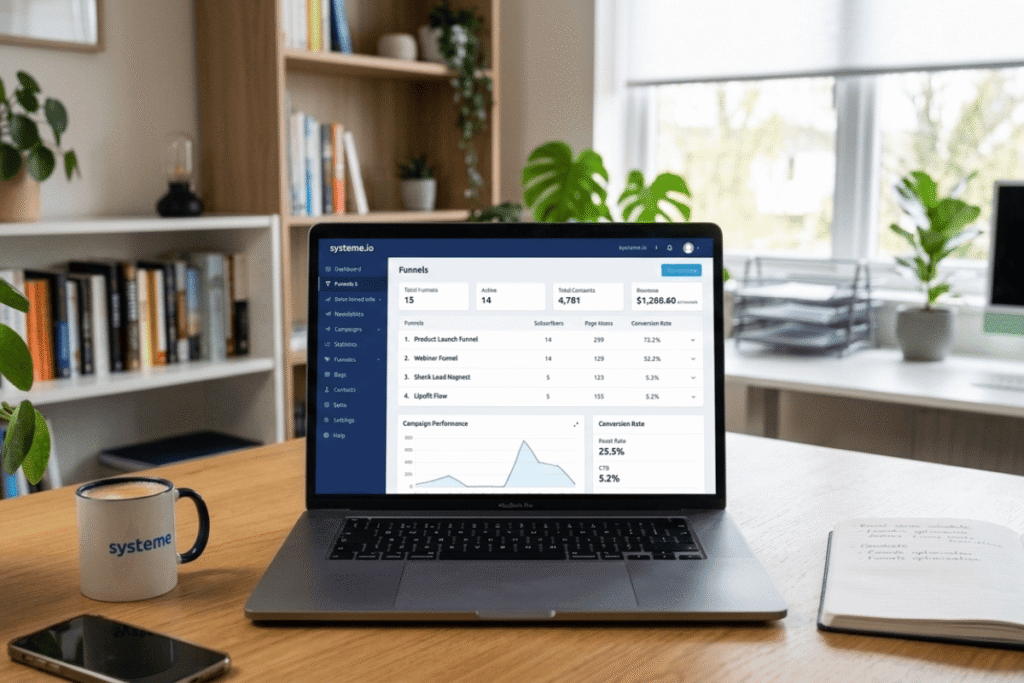
How to Use Systeme.io for Email Marketing (Step‑by‑Step Side Hustler Guide)
Step 1: Create Your Free Systeme.io Account
You don’t need a credit card to get started. The free plan is enough to learn the system and send real campaigns.
- Click this link to open the signup page:
👉 Create your free Systeme.io account here - Enter your email and create a password.
- Log into your new dashboard.
You’ll see a simple menu with options like “Funnels,” “Emails,” “Contacts,” and “Products/Services.” That’s all you need for now.
Tip: Bookmark your Systeme.io dashboard so you can jump in quickly whenever you have 30 minutes to work on your side hustle.
Step 2: Set Up Your First Email List (Contacts)
Inside Systeme.io, your “email list” lives under Contacts. Every person who opts in will appear here.
To get started:
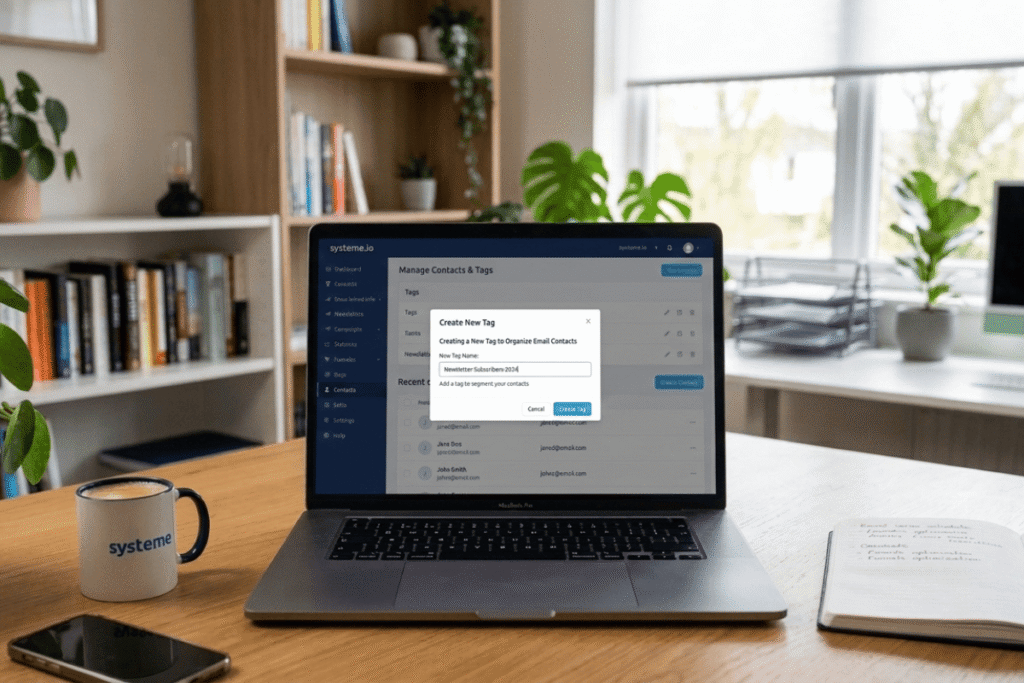
- Go to Contacts → Tags and create a tag like
newsletterorside-hustle-email-list. - This tag will help you organize people who join from different forms or funnels.
Tags are powerful later when you want to send specific emails to only part of your audience (for example, people interested in email marketing vs people interested in social media).
Step 3: Build a Simple Opt‑In Page to Collect Emails
You can’t do email marketing without emails. So the next step is creating a page where people can join your list.
- Go to Funnels → Create.
- Choose the “Build an audience” or similar lead‑generation template.
- Name your funnel something like “Side Hustle Email List.”
- Pick a simple opt‑in page template.
On your opt‑in page, keep things clear and honest:
- Headline: one simple promise
- Sub‑headline: who it’s for
- Form: name + email (or just email)
- Button: “Get the tips” / “Send me the guide” / “Join the email list”
Example copy you can adapt:
“Get weekly, no‑fluff email marketing tips to grow your side hustle in 2026 – even if you’re just starting.”
Once the page looks good, connect the form to your tag:
- Open the opt‑in step in your funnel.
- Click on the form and choose the action “Add tag” → select your tag (
newsletter). - Save the page.
Now, everyone who signs up will automatically be tagged and added to your contacts.

Step 4: Create Your First Email Campaign (Welcome Series)
A campaign in Systeme.io is simply a sequence of emails that go out automatically after someone joins.
To set one up:
- Go to Emails → Campaigns → Create.
- Name it something like “Welcome – Side Hustle Email Tips.”
- Inside the campaign, click “Create an email.”
For your first welcome series, start with 3–4 emails:
- Email 1 – Welcome + what to expect
- Send immediately.
- Introduce yourself briefly.
- Tell them what kinds of emails you’ll send and how often.
- Email 2 – Your story + simple lesson
- Send 1 day later.
- Share how you started with email marketing or your side hustle.
- End with one practical tip they can use today.
- Email 3 – Quick win
- Send 2 days later.
- Give a short checklist or mini‑framework (for example, 3 things to check before sending an email).
- Email 4 – Soft recommendation
- Send 3–4 days later.
- Show the tool you use (Systeme.io), why you like it, and link to your affiliate signup.
You can use the simple editor (text‑based) or the block editor, but for most beginners, text emails feel more personal and are faster to write.
Step 5: Connect Your Funnel to the Email Campaign
Now we link everything:
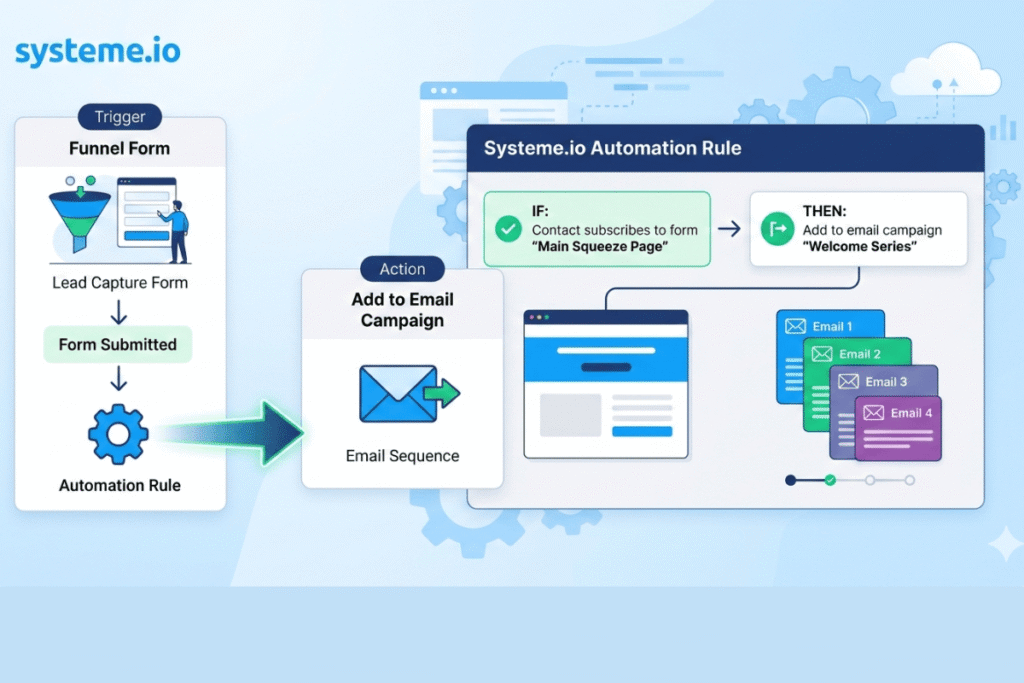
- Someone joins through the opt‑in page.
- They get tagged.
- The tag triggers your email campaign automatically.
To do this with Automation Rules:
- Go to your funnel.
- Click Automation Rules.
- Add a rule:
Now the whole flow is automatic. You can share your opt‑in URL on social media, your blog, or YouTube, and everyone who signs up will get your sequence.
Step 6: Send Your First Broadcast Email
Campaigns are for automated sequences. Broadcasts are one‑time emails you send to your list (for example, a weekly newsletter or a special announcement).
To send a broadcast:
- Go to Emails → Newsletters.
- Click Create.
- Choose your list or filter by tag (
newsletter). - Write a simple subject line like: “Quick tip for better email deliverability this week.”
- Type your email and schedule it.
Because Systeme.io includes unlimited emailing on all plans, you don’t have to stress about whether you’re “sending too many emails” from a cost perspective. Focus on sending useful messages, not perfect ones.
Step 7: Track What’s Working (Without Getting Lost in Numbers)
You don’t need to become a data analyst to get value from your stats.
When you open a campaign or newsletter in Systeme.io, you’ll see:
- Open rate
- Click‑through rate
- Unsubscribes
For beginners, focus on these questions:
- Are open rates above 20–25%? If not, work on your subject lines and list quality.
- Are people clicking through to your links? If not, make your calls to action clearer.
- Are unsubscribes extremely high? If yes, check whether your content matches what you promised on the opt‑in page.
Use this feedback to improve your next emails instead of worrying about being perfect from day one.
Bonus: Lead Magnet and Deliverability Tips for Beginners
A simple lead magnet makes email marketing easier. A PDF checklist, short guide, or mini‑training about something specific in your niche is enough.
For example:
- “1‑Page Email Deliverability Checklist for Side Hustlers”
- “7 Email Ideas You Can Send This Month (Even If Your List Is Small)”
You can deliver this lead magnet directly through Systeme.io by uploading the file and linking it in your welcome email.
To improve deliverability:
- Turn on double opt‑in so only real, interested people join your list.
- Clean out contacts who never open your emails every few months.
- Don’t send spammy subject lines or over‑promise on your opt‑in page.
Shortcut: Import My Done‑for‑You Systeme.io Email Funnel
If this still feels like a lot, you don’t have to build everything from scratch.
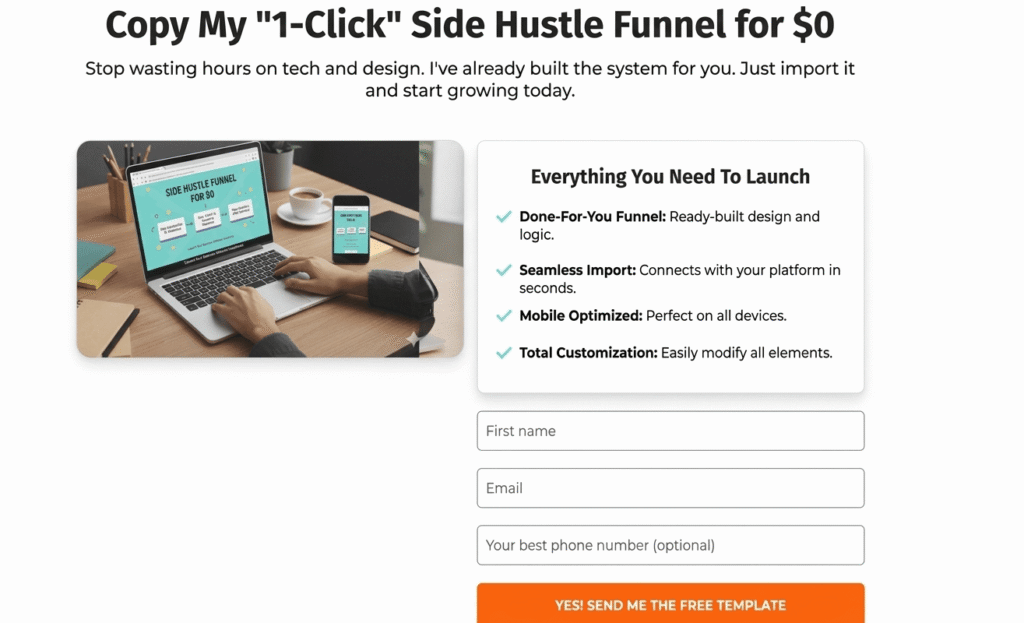
I created a ready‑made Systeme.io funnel that you can import into your own account. It includes:
- An opt‑in page for your lead magnet
- A thank‑you page
- A basic email sequence you can edit
- Automation rules already connected
👉 Import my free Systeme.io share funnel into your account and then just update the text to match your niche.
Final Call to Action: Start Today, Even If Your List Is at Zero
Disclosure: Some of the links in this post are affiliate links, which means I may earn a commission if you sign up through them. I only recommend tools I genuinely use and believe can help side hustlers like you.
You don’t need thousands of subscribers to benefit from email marketing. You just need a clear system and a tool that doesn’t fight against you.
Systeme.io gives you funnels, email campaigns, and automations in one place, with a free plan that’s actually usable for real side hustles.
Here’s what you can do right now:
- Create your free Systeme.io account:
👉 Get started with Systeme.io here - Import my funnel:
👉 Copy my ready‑made Systeme.io email funnel - Customize the text, connect your lead magnet, and send your first welcome email.
Do that, and you’ll be further ahead than most people who are still “researching tools” and never sending anything.
Related post
How to Build a Free Landing Page With Systeme.io for Your Side Hustle (No Code)
Why Systeme.io is the Secret Weapon for Side Hustlers in 2026 (Free & Easy)
Systeme.io Login for Beginners: How to Access Your Dashboard in 5 Easy Steps
Systeme.io Pricing 2026: Honest Guide for Side Hustlers Who Don’t Want 5 Different Tools