By Abdi • january 26, 2026
Introduction
In this tutorial, you’ll see exactly how to automate Etsy customer emails with MailerLite step by step.
You’re getting Etsy sales, but you don’t really own the relationship with your customers. Etsy controls the platform, the data, and the rules—so you can’t just grab buyer emails and drop them into your newsletter. That makes it harder to build a long‑term brand that earns repeat sales on autopilot.
Disclosure: Some of the links in this article are affiliate links. If you click and make a purchase, I may earn a small commission at no extra cost to you. I only recommend tools I genuinely believe can help Systeme.io for Your Side Hustlers build real online income.
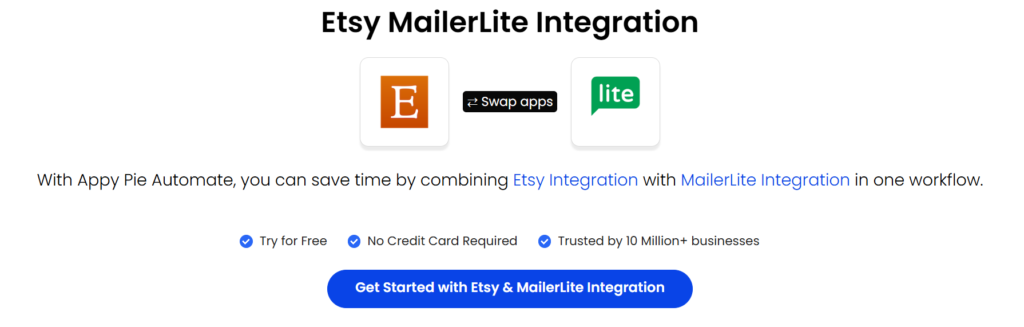
The good news: you can legally build your own MailerLite email list from Etsy buyers using a simple, compliant opt‑in system. In this guide, you’ll learn how to automate Etsy customer emails with MailerLite, stay within Etsy’s policies, respect privacy laws, and turn one‑time buyers into loyal fans.
What you’ll learn in this guide
By the end of this tutorial, you’ll know how to:
- Use a legal, permission‑based strategy to build an email list from Etsy customers.
- Set up a MailerLite landing page specifically for Etsy buyers.
- Automate Etsy customer emails with MailerLite using a welcome sequence.
- Add invitations in the right spots inside Etsy (without breaking any rules).
What Etsy and privacy laws actually allow
Before you think about automation, you need to be clear on what is allowed and what is not.
- Etsy does not allow you to export customer emails and start sending marketing emails without consent.
- You cannot take buyer emails from Etsy and manually upload them to MailerLite for promotions.
- Privacy laws like GDPR and CCPA require clear, explicit consent before you send marketing emails.
The golden rule: customers must choose to join your list. Your role is to invite them, explain the benefits, and give them an easy way to opt in through a MailerLite form or landing page.

How the “bridge” strategy works
Think of your Etsy shop as the traffic source and your MailerLite list as the true business asset. The “bridge” between them is a simple three‑step strategy:
- Create an irresistible opt‑in incentive.
- Invite buyers in the right places inside your Etsy workflow.
- Let MailerLite handle delivery and follow‑up automatically.
You are not hacking Etsy; you’re offering buyers something valuable off Etsy and letting them subscribe themselves.
Step 1: Create an irresistible opt‑in incentive
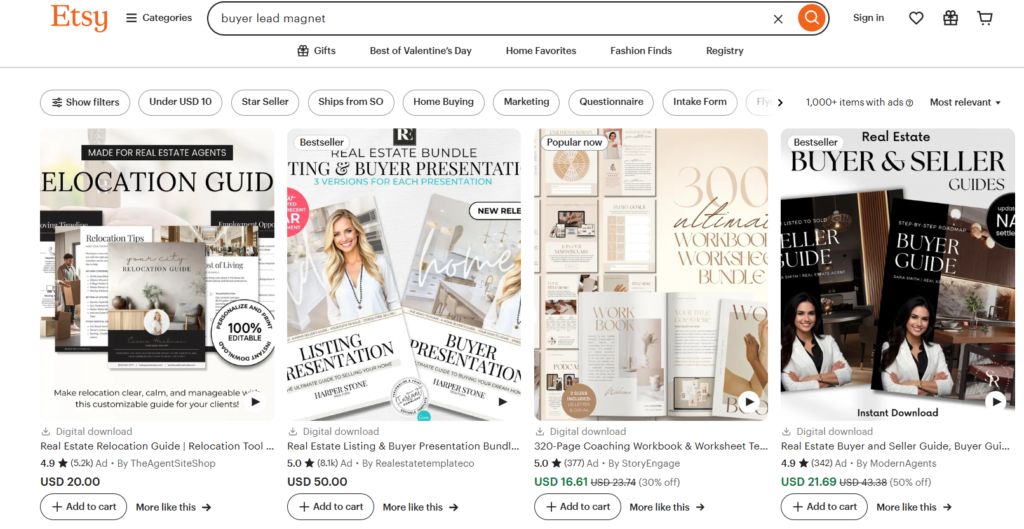
People don’t join email lists for fun—they join because they get something useful or exciting in return. Your opt‑in incentive (lead magnet) should feel like a natural bonus to what they just bought.
Strong ideas for Etsy sellers:
- Exclusive discount: “Get 15% off your next order when you join our VIP email list.”
- Product care guide: “Jewelry Care Handbook,” “How to Frame and Hang Your Art Prints,” “Candle Care & Safety Guide.”
- Bonus digital content: an extra pattern, template, or mini‑bundle for digital product buyers.
- Early access: “Be the first to see new collections, limited drops, and flash sales.”
- Free printable or checklist: something tightly related to the item they purchased.
Example: if you sell printable wall art, your incentive could be a short “Gallery Wall Layout Guide” that shows customers how to style multiple prints together.
Step 2: Where to invite Etsy buyers to join your list
Now you need to place your opt‑in invitation where buyers naturally see it—right after purchase or while they receive their product.
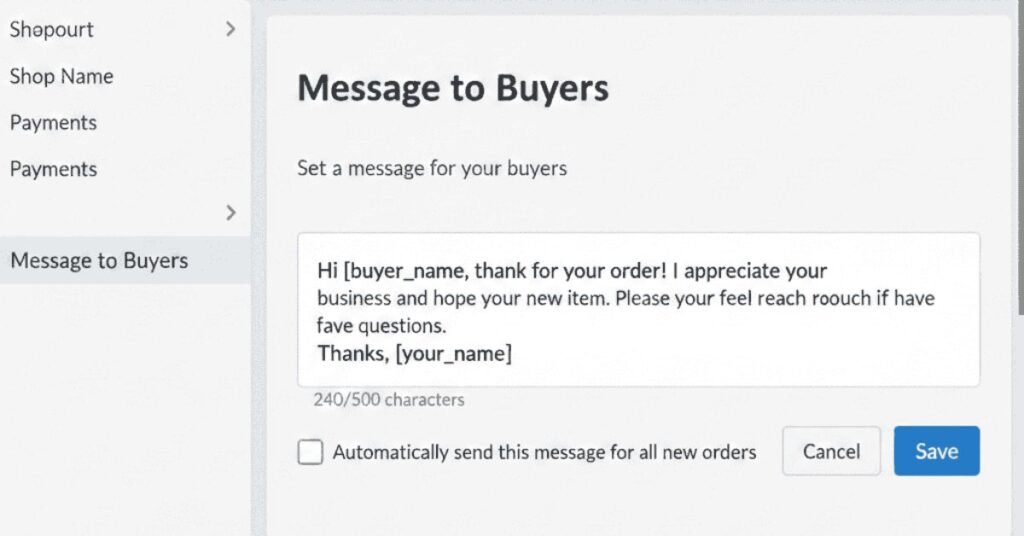
A. Use Etsy’s “Message to Buyers”
Etsy allows you to set an automatic “Message to Buyers” that goes out after an order. This is one of your most powerful touchpoints.
- Open Shop Manager in Etsy.
- Go to Settings → Message to Buyers.
- Write a warm thank‑you message and include a clear invitation plus your MailerLite landing page link.
Example message you can adapt:
“Thank you so much for supporting [Your Shop Name]! Your order is being prepared with care.
As a special thank you, you can get [your incentive, e.g., ‘10% off your next order and exclusive design previews’] when you join our VIP email list.
Claim your gift here: [MailerLite landing page link]
We appreciate you!”
Do not add buyers to your list yourself or imply they are automatically subscribed. You are only inviting them to join through your own opt‑in page.
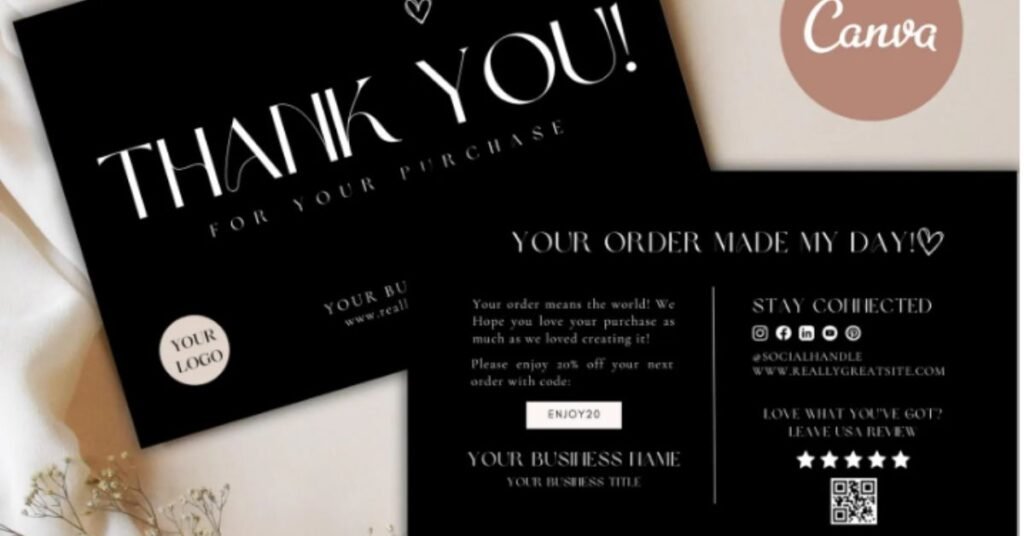
B. Add a printed thank‑you card or insert
If you sell physical products, include a small branded card inside each package.
On the card, include:
- A short thank‑you message.
- A clear headline about the incentive (for example: “Enjoy 10% Off Your Next Order”).
- A QR code or short URL that goes to your MailerLite opt‑in page.
Example copy:
“Love your new order? Get 10% off your next one and early access to new designs.
Scan the QR code or visit: yourdomain.com/vip”
C. Use digital product files or download instructions
If you sell digital downloads, you can invite buyers inside the files themselves.
You can:
- Add a page at the end of your PDF that offers a bonus file or checklist if they join your list.
- Include a clickable link to your MailerLite landing page in the download instructions.
This feels natural because they’re already using a digital product, so a related digital bonus makes sense.
Step 3: Build your MailerLite landing page for Etsy buyers
Your landing page is where Etsy buyers officially subscribe and give consent.
Inside MailerLite:
- Go to Sites → Landing Pages → Create landing page.
- Name it something internal like “Etsy VIP Opt‑in.”
- Choose a simple template and customize it to match your Etsy branding (colors, fonts, product photos).
Key elements to include:
- Clear headline: “Claim Your [Incentive Name] for Etsy Buyers.”
- Short paragraph explaining what they get now (the incentive) and what they’ll receive later (tips, new collections, exclusive offers).
- Simple form with first name and email.
- Consent text or checkbox for marketing emails, especially if you have EU customers.
- A thank‑you page that tells them to check their inbox for the email you’re about to send.
Assign all subscribers from this page to a dedicated group such as “Etsy Buyers” so you can send tailored emails.
Step 4: Set up your MailerLite automation workflow and automate Etsy customer emails
Now you’ll let MailerLite automatically deliver the incentive and start building the relationship with new subscribers.
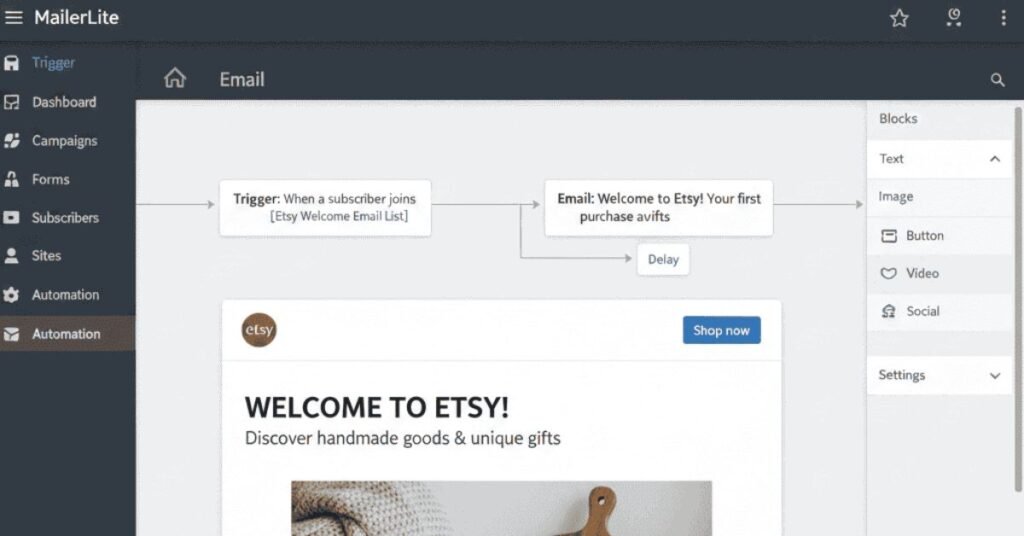
- In MailerLite, go to Automations → Create new automation.
- Choose the trigger “When a subscriber joins a group” and select your Etsy Buyers group.
- Add your first step: Send email.
Your first welcome email
In your first email:
- Subject ideas: “Your [Incentive Name] Is Here 🎉” or “Welcome! Here’s Your VIP Gift.”
- Start by thanking them for their purchase and for joining your list.
- Deliver the discount code or download link immediately, with a clear button.
- Tell them what kind of emails you’ll send in the future (tips, styling ideas, new products, special offers).
- Add a link back to your Etsy shop and any key collections.
Optional follow‑up emails
To get more repeat orders, build a simple welcome sequence:
- Add a 2–3 day delay after the first email.
- Email 2: share a short story behind your brand or show behind‑the‑scenes photos of how you create your products.
- Email 3: highlight 3 best‑selling products with lifestyle images and a gentle reminder of their discount if you offered one.
This is how you truly automate Etsy customer emails with MailerLite while keeping everything personal and on‑brand.
Optional: No‑code tools for advanced workflows
If you want more advanced workflows without writing code, you can layer on other tools:
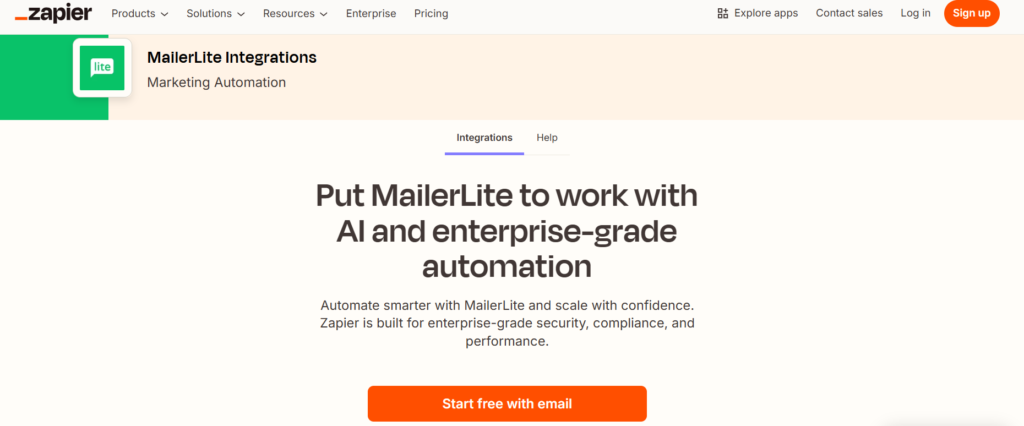
- Zapier: Use approved integrations to trigger actions when an Etsy order is placed, then send a personalized invitation email (not an automatic subscription).
- Make (formerly Integromat): Good for more complex multi‑step flows that combine Etsy, MailerLite, and other apps.
- Pabbly Connect: Often a cost‑effective option for handling multiple automations.
Always check Etsy’s latest API and policy updates, and remember: buyers must join your list themselves through your form.
Why this system is perfect for busy Etsy sellers
This setup is especially powerful if your shop is a side hustle or you’re short on time.
- Cost‑friendly: MailerLite’s free plan is usually enough to start and test.
- Automated: Once configured, new buyers can join and receive emails while you sleep.
- Compliant: You respect Etsy’s rules and global privacy laws with true opt‑in.
- High‑quality subscribers: These subscribers already bought from you, so they’re warm leads—not random freebie hunters.
- Long‑term asset: Your email list is a real business asset that doesn’t depend on the Etsy search algorithm.
FAQ about Etsy, MailerLite, and email automation
Can I add Etsy buyers directly to my MailerLite list?
No. You must not take emails from Etsy and upload them for marketing without consent. Buyers have to subscribe themselves through your MailerLite form.
Is this method GDPR compliant?
Yes, as long as buyers actively click your link, fill out your MailerLite form, and agree to receive marketing emails.
What if I don’t have time to create a big lead magnet?
Start simple with a “10% off your next order” coupon. You can upgrade to a more detailed guide or bonus later.
My landing page gets no sign‑ups. What should I change?
Test a stronger headline, make the benefit more specific, and tweak the wording in your Etsy “Message to Buyers” and thank‑you card to highlight the value.
Can I add a checkbox on Etsy checkout that sends data to MailerLite?
No. Etsy doesn’t offer a built‑in email marketing opt‑in that connects directly with MailerLite. You need your own landing page.
This is the simplest way to automate Etsy customer emails with MailerLite without breaking Etsy’s rules.
Want help writing your emails faster?
Grab my free “Etsy Buyer Welcome Sequence Template for MailerLite” and plug it straight into your account:
- 3 pre‑written email templates (welcome, value, engagement).
- Simple setup steps inside MailerLite.
- Tips to customize the copy to match your brand voice.
Leave a Reply